nextlevel runs an AI build team from your PC. One AI plans your project into small, testable tasks, up to six others build them at the same time, and the hub tests every result itself. You're asked only when a decision is yours.


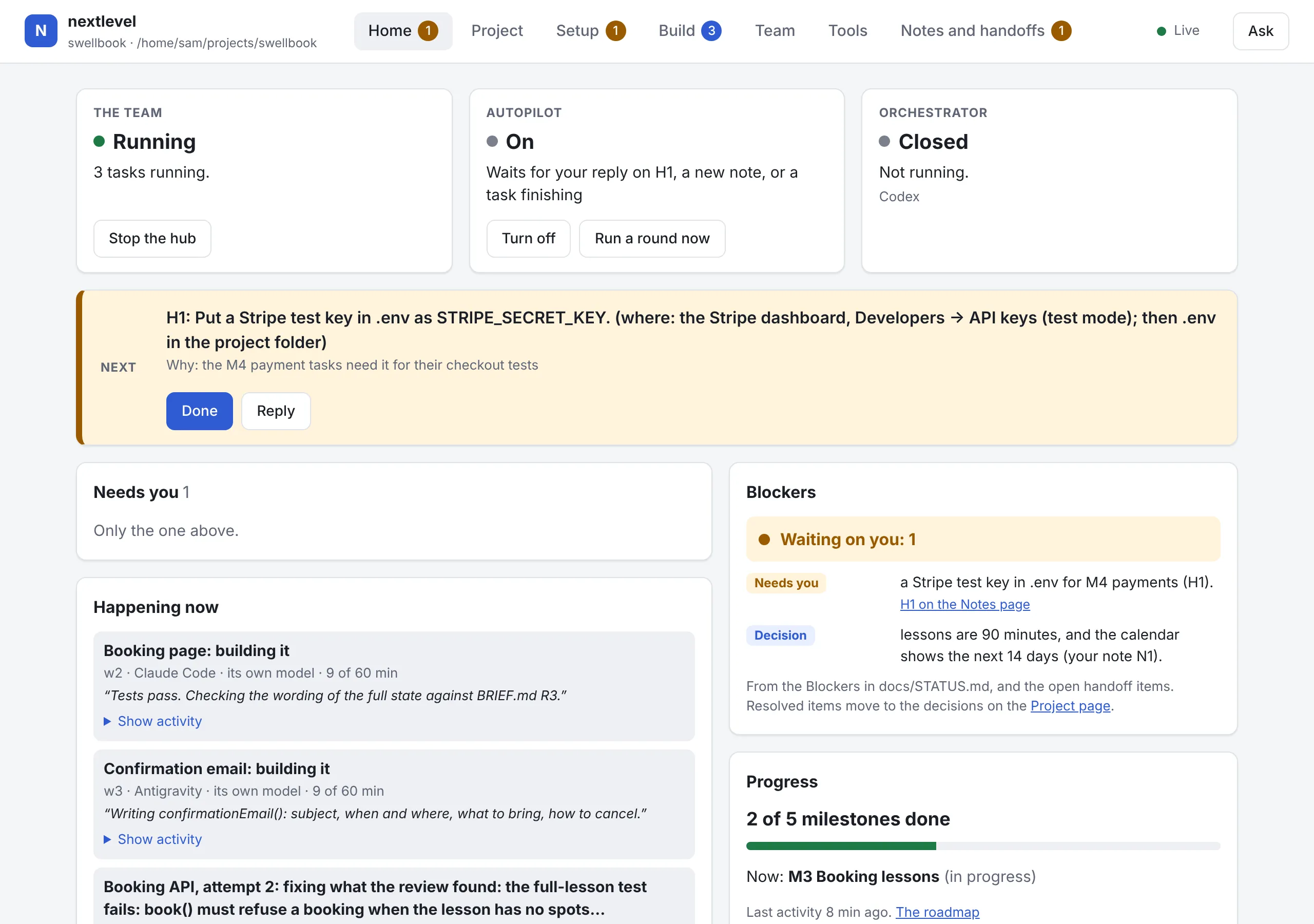
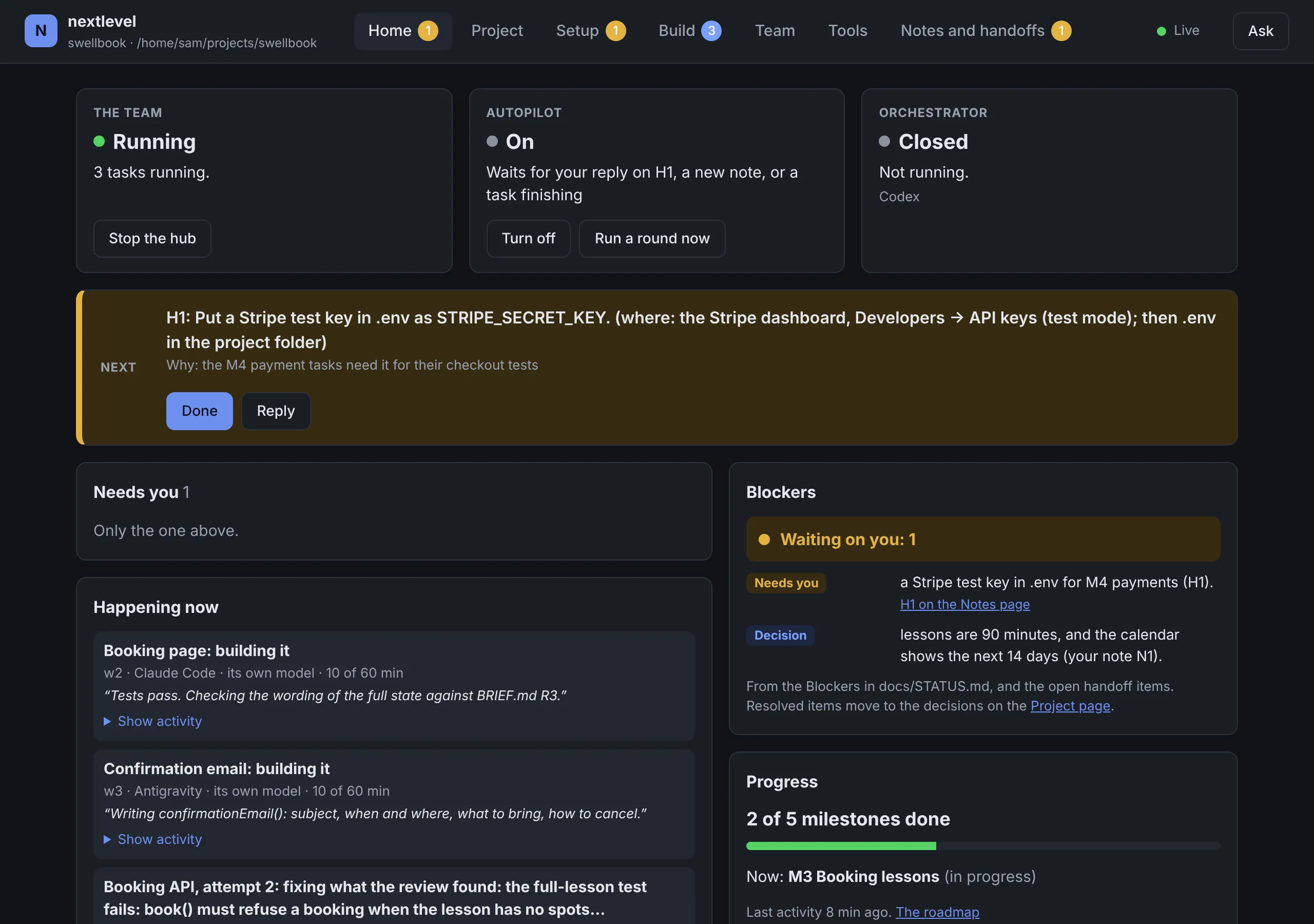
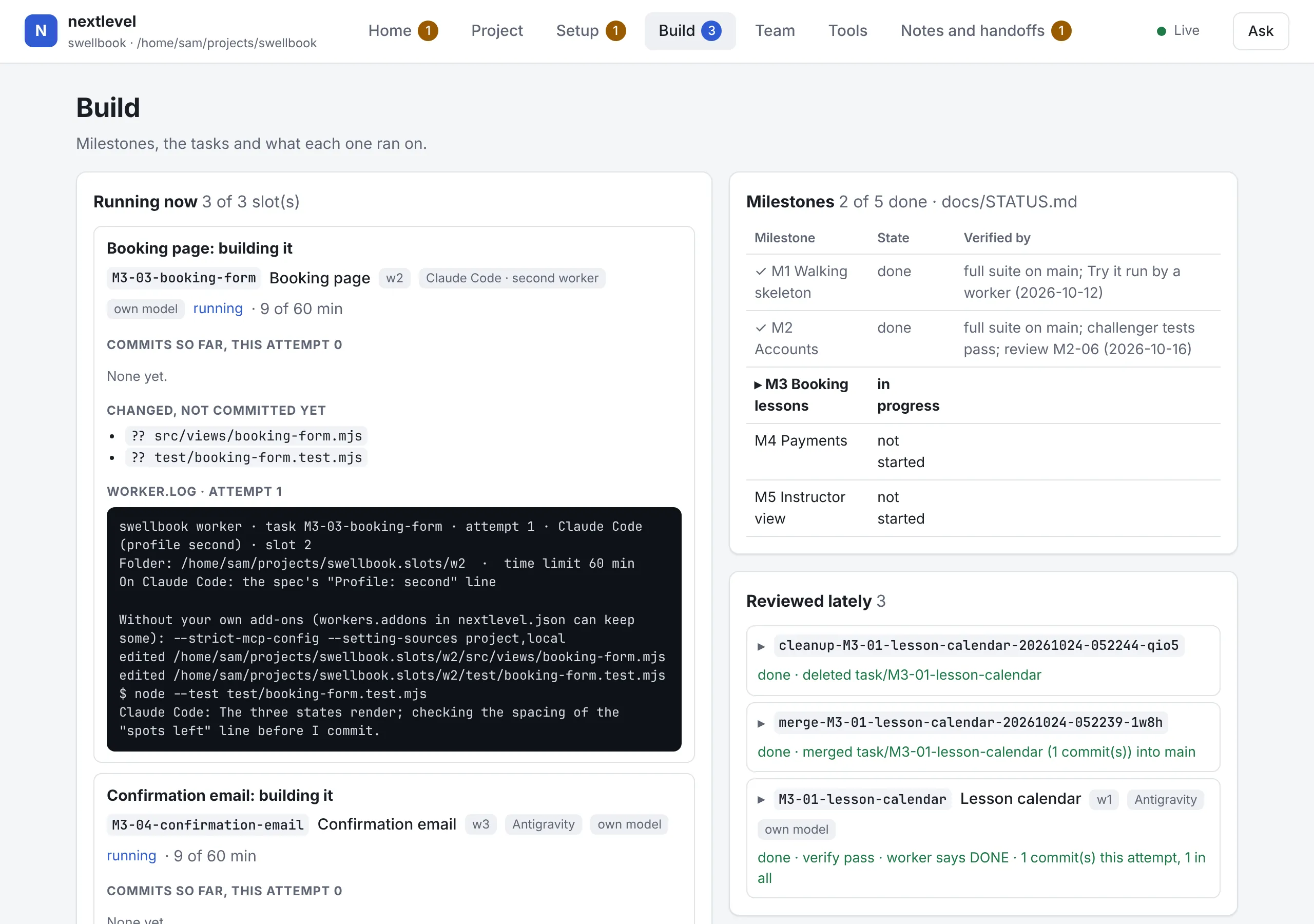
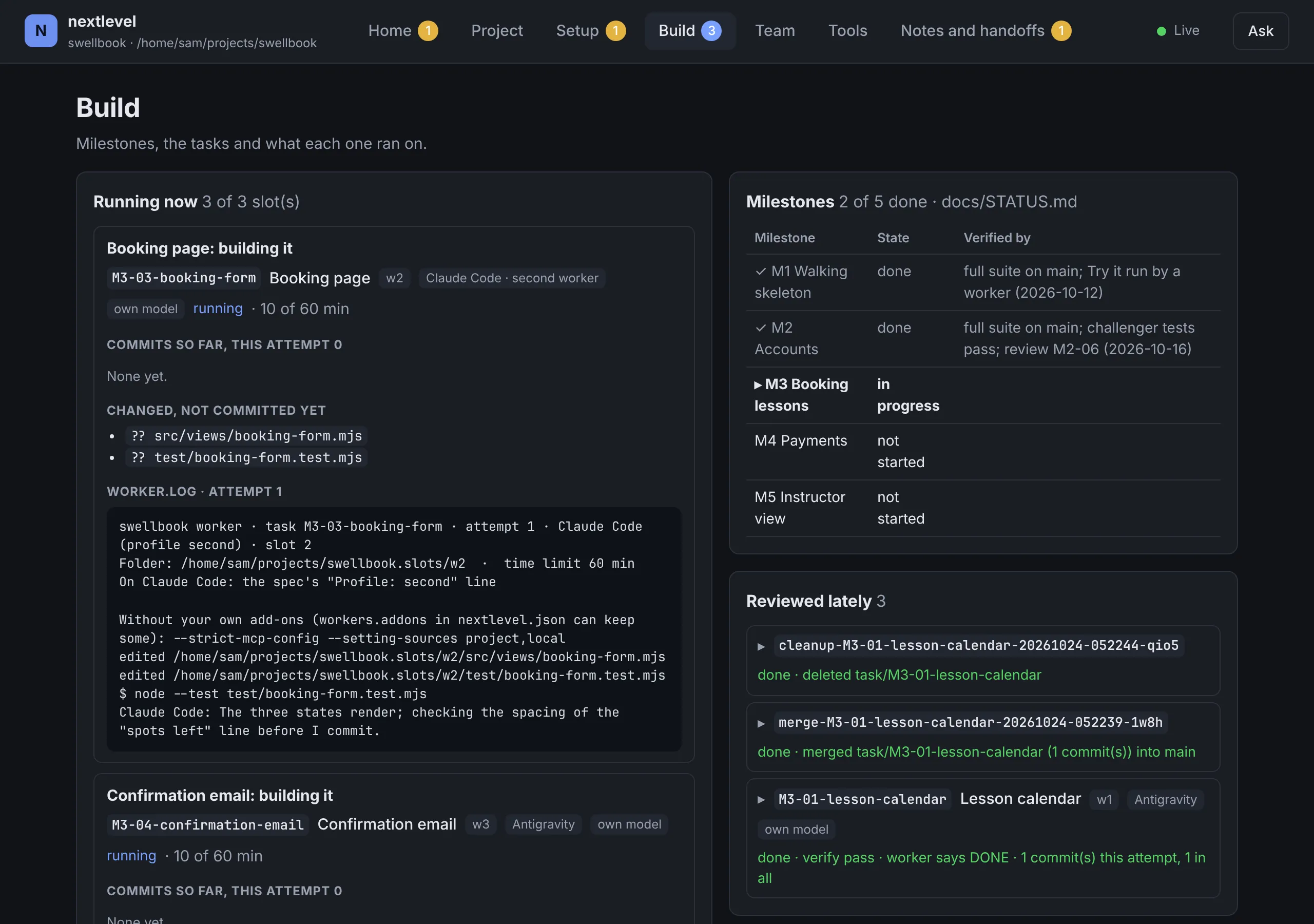
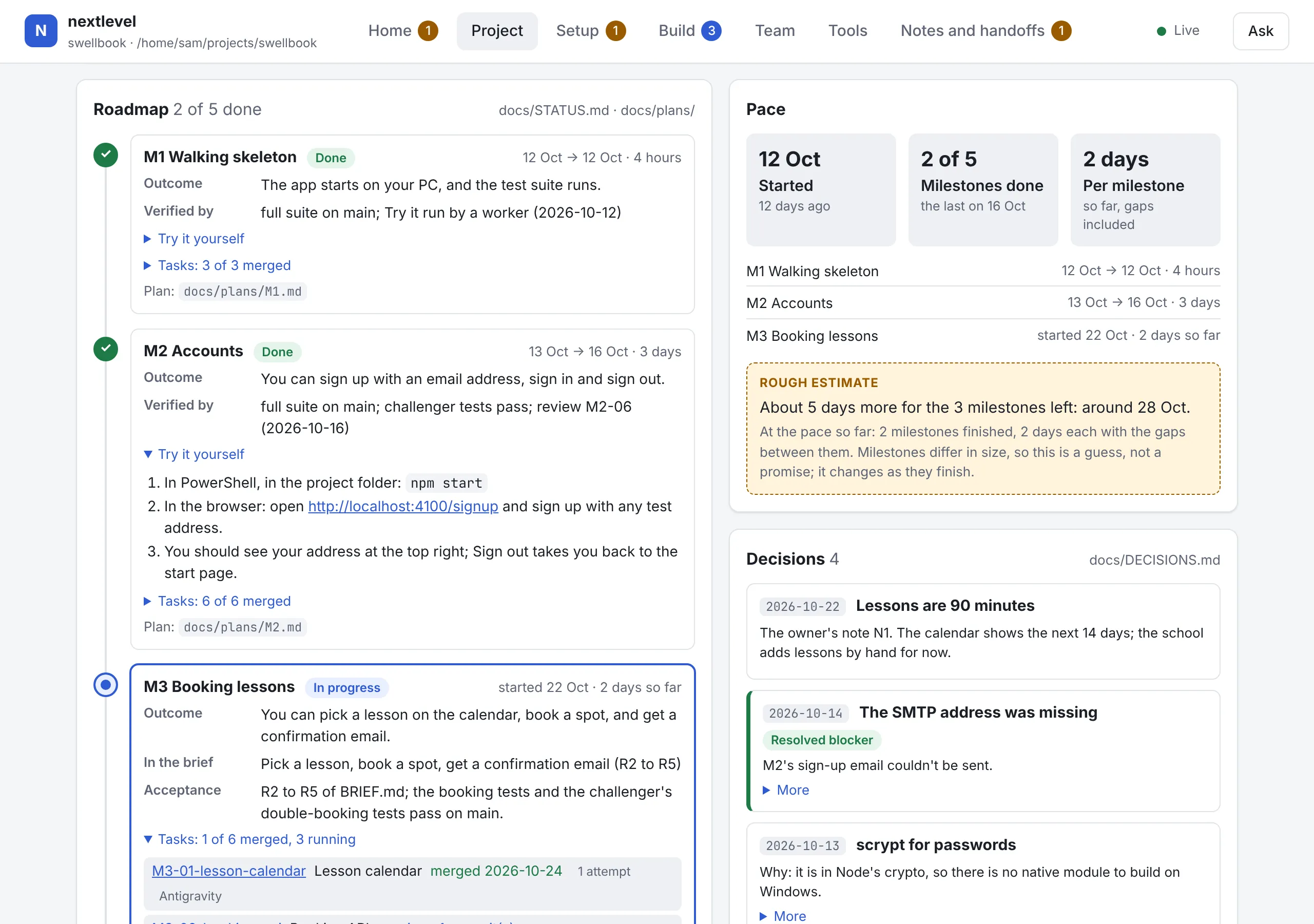
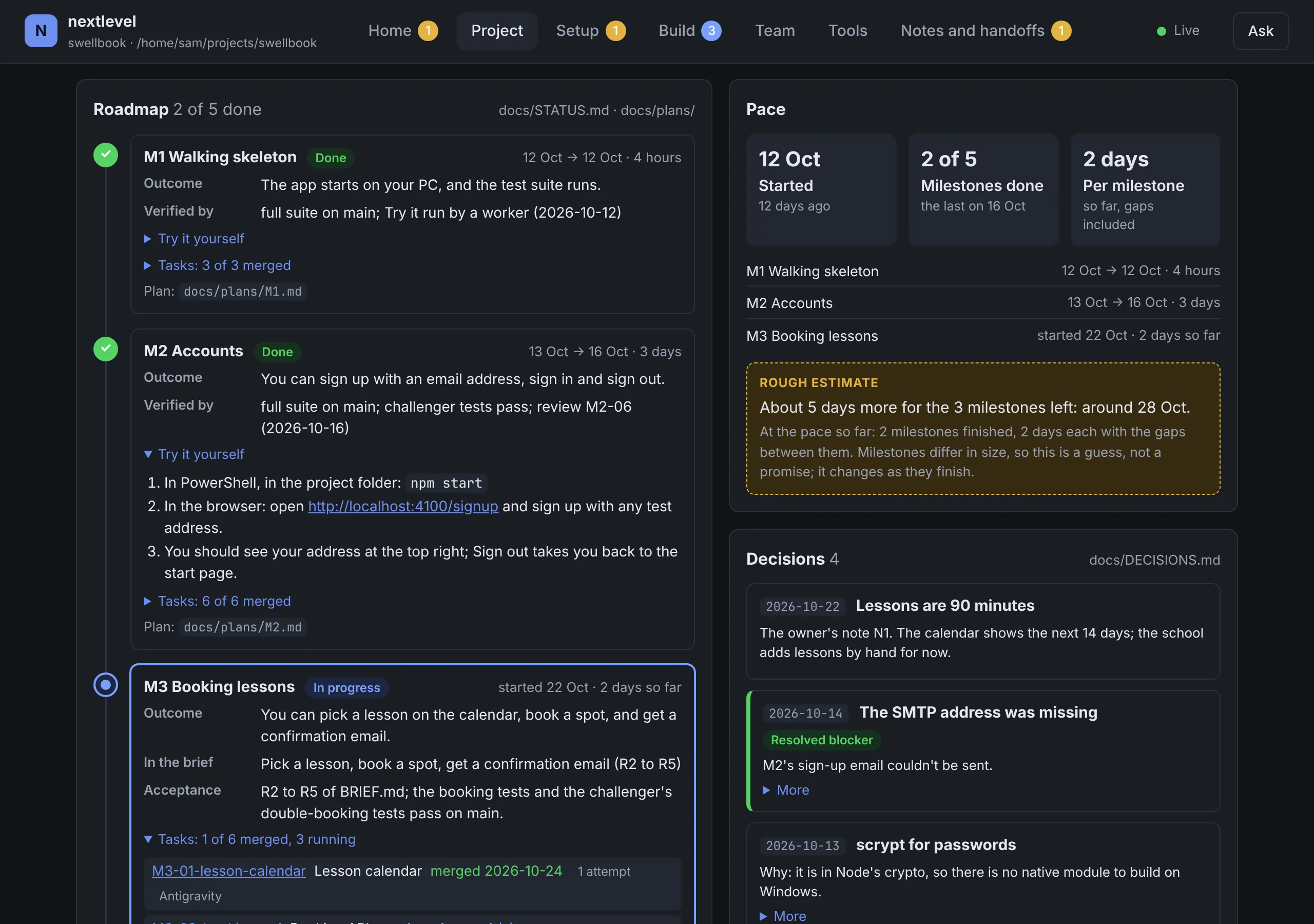
Every screen on this page is the real nextlevel dashboard, showing a made-up demo project: swellbook, a booking app for a small surf school. The team's messages in it were written for the demo.
A coding chat waits for your next prompt. nextlevel works like a disciplined engineering team: it plans, splits the work, builds in parallel, tests, reviews, and asks you only what it can't decide.
The same six steps for every milestone. Two of them are yours.
BRIEF.md says what to build, who it's for and what done means. The setup guide helps you make it concrete.
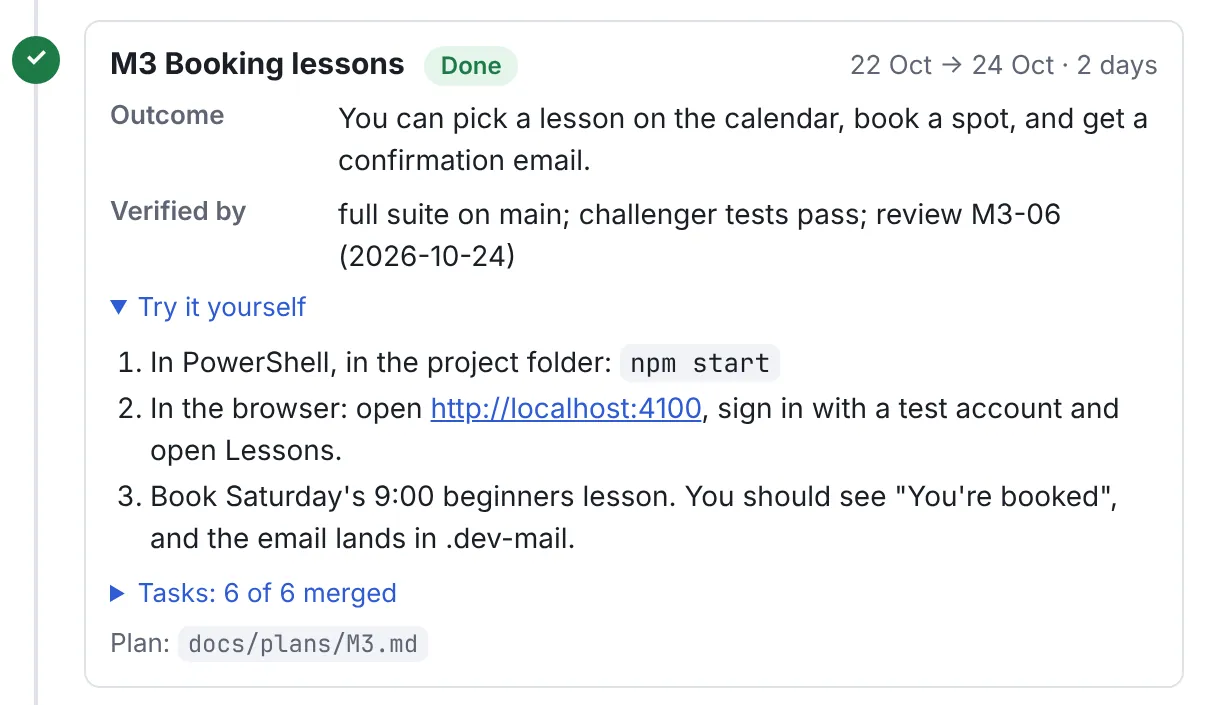
Each milestone gets a plan you can read: the outcome, how it will be checked, and Try it steps you can follow yourself. Then small tasks that never share files.
Every task runs in its own checkout and branch, so workers never step on each other or on your copy. Workers also do reviews, research and designs.
The hub runs each task's own checks and keeps the record. A failed task goes back with specific fixes, and after two tries the orchestrator moves it to your fallback engine.
Each result is read against its spec and the brief, then merged. The Project page shows the roadmap and the pace.
Deploys, changes to the files that steer the agents, and anything only you can do wait for you as a card on the dashboard. Your phone tells you.
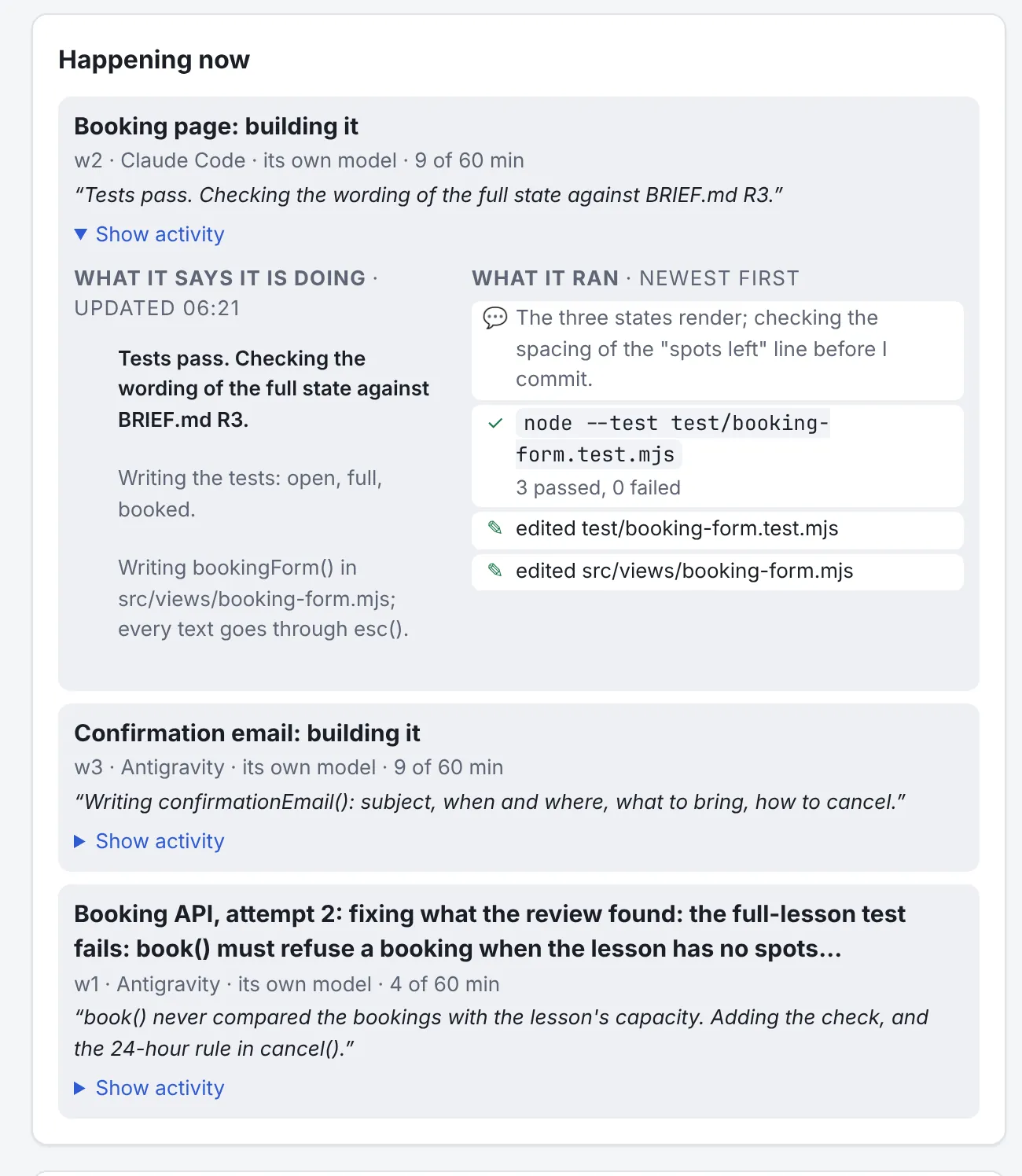
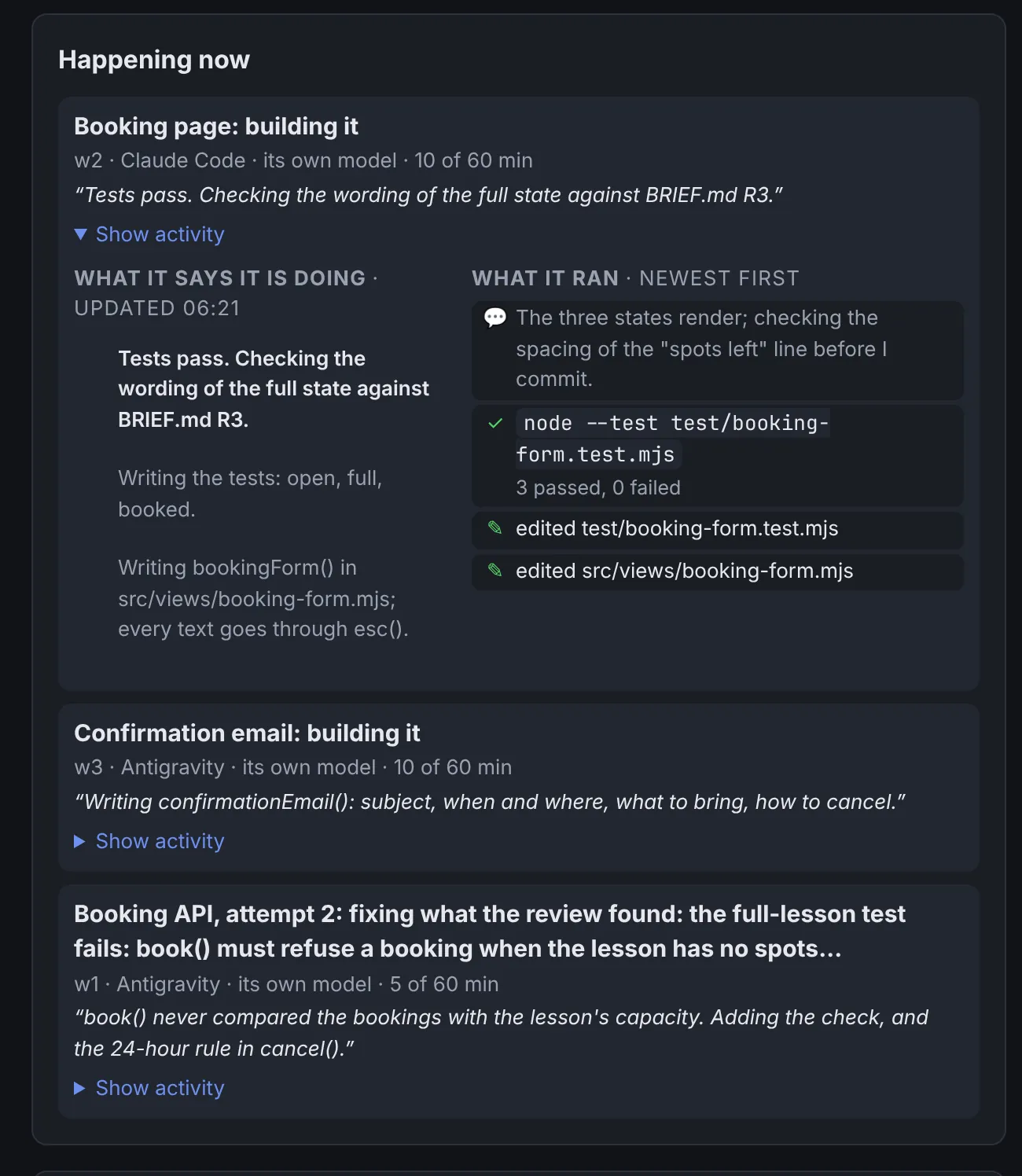
Everything the team does shows up on the dashboard while it happens, in plain words.
Show activity puts a worker's own progress notes next to what its engine actually did: the files it edited and the commands it ran. You see the work itself, not a summary of it.


Every task runs in a slot of its own: a separate checkout and branch, its own ports and a time limit. The Build page shows each one's changes and log while it works, and what the hub verified when it ended.


The orchestrator turns your brief into milestones. Each has an outcome, what verifies it, and Try it steps you can follow yourself. The Project page shows the roadmap, the pace with a rough estimate, and every decision made along the way.


This is the bar the orchestrator holds every milestone to. The tests run in the hub, so the result never rests on what a model claims.


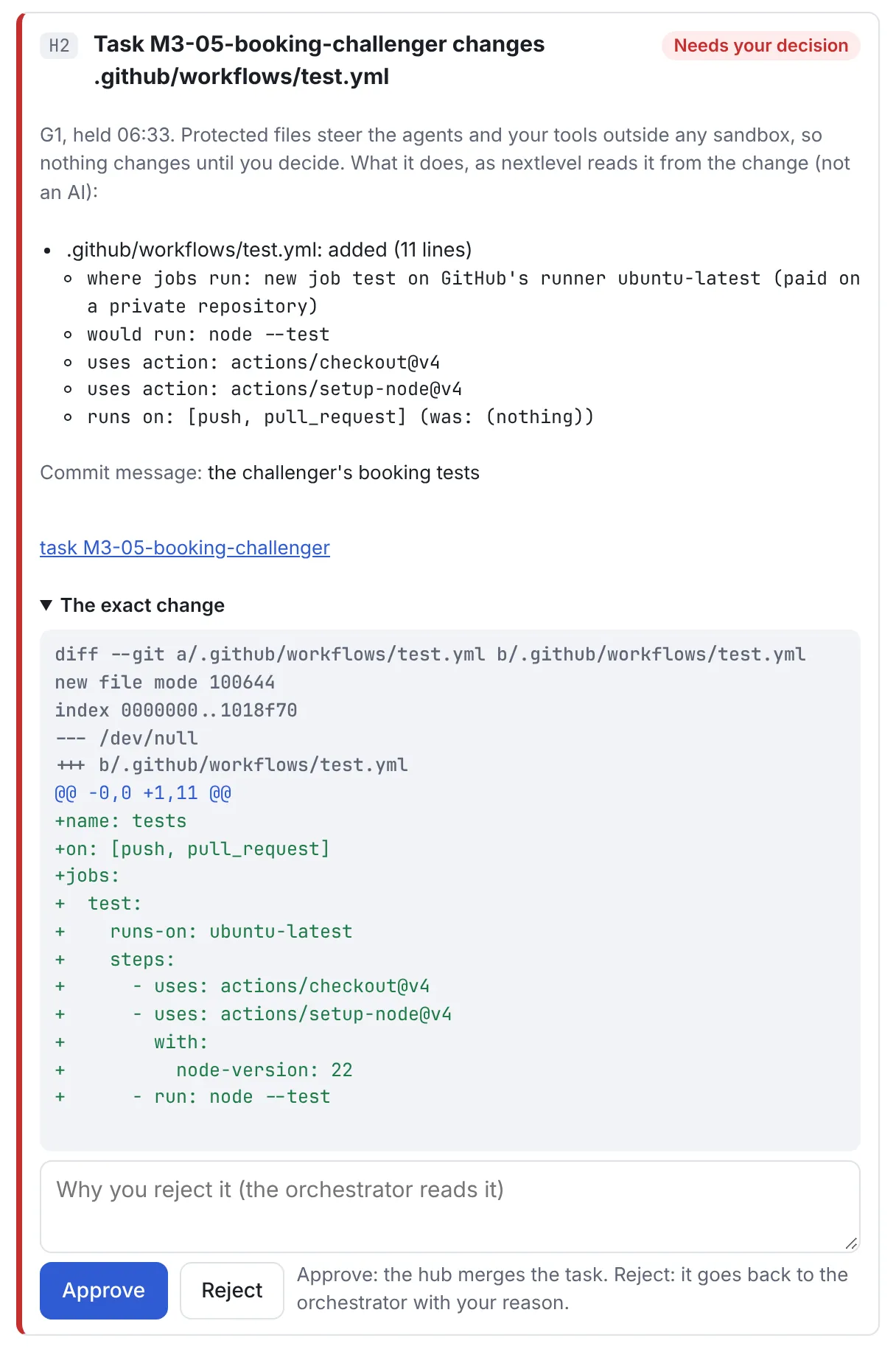
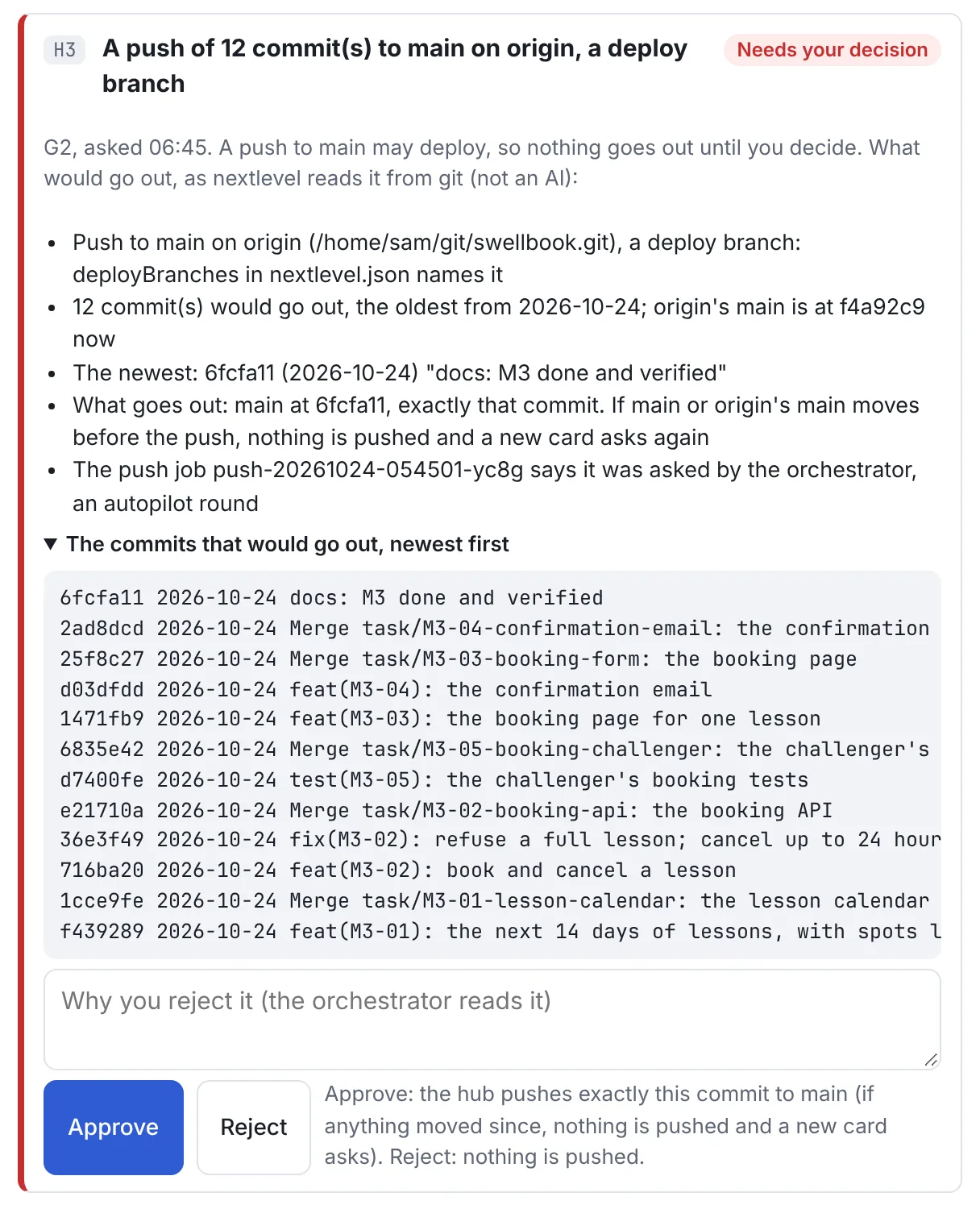
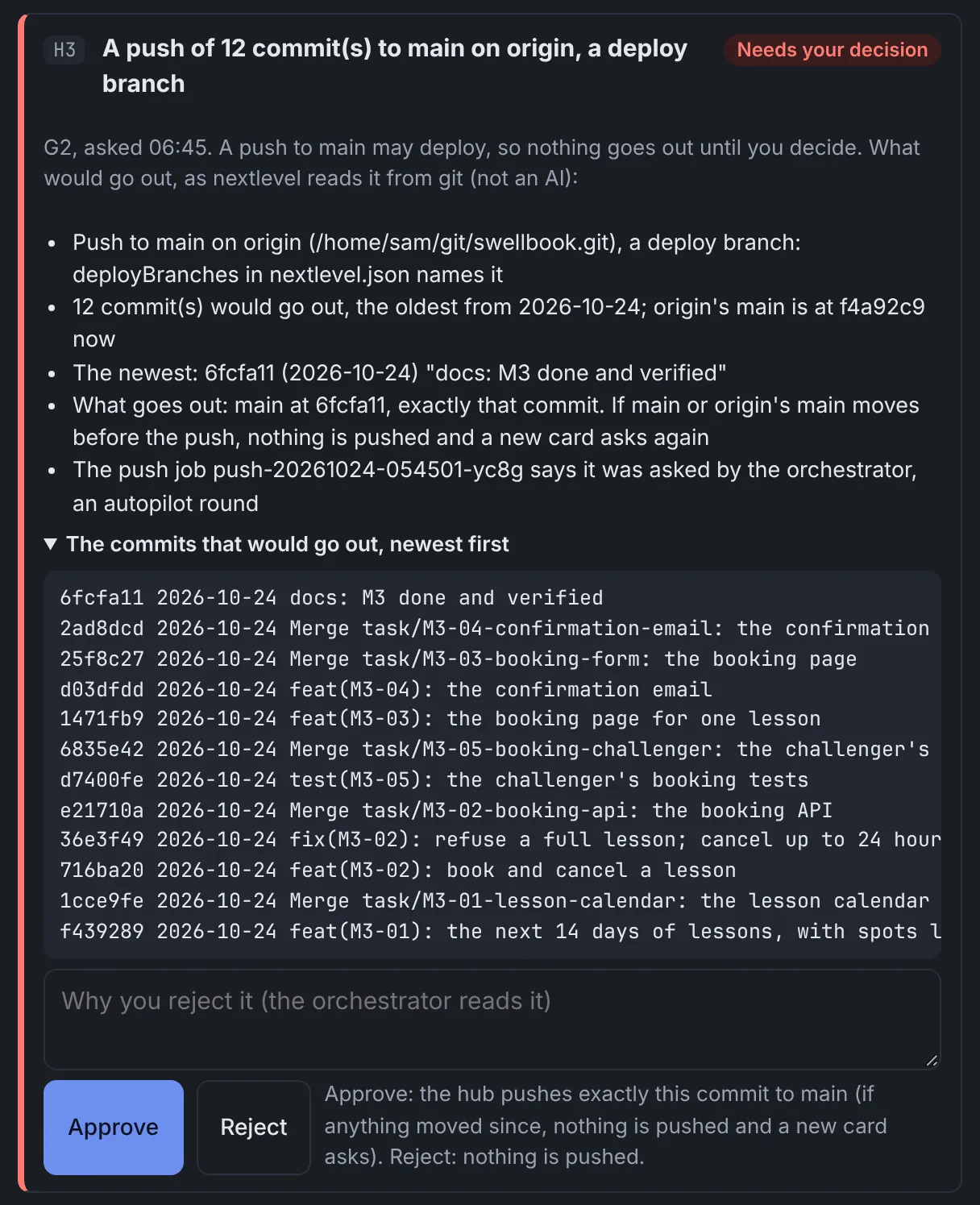
A push to a deploy branch, or a change to the files that steer the agents, waits on a card until you decide. nextlevel describes the change from the change itself, not with an AI, and shows you the exact diff or commits. Only your Approve on the dashboard lets it through.


These are the messages the demo's phone got. They go through ntfy, a free notification app, and every one is redacted before it leaves your PC. None of them can approve anything.

Task M3-05-booking-challenger changes .github/workflows/test.yml: nextlevel holds it until you decide. Open the dashboard (Notes and handoffs, card H2) to see the exact change and approve or reject it. It can't be approved from your phone.

Students can book, cancel and get a confirmation email; the full suite passes. The push to main waits for your Approve.

Card H3: A push of 12 commit(s) to main on origin, a deploy branch, since 2026-10-24. Nothing goes out until you decide. Open the dashboard (Notes and handoffs, card H3) to see the commits and approve or reject it. It can't be approved from your phone.
Git refuses a push from a worker's checkout, and the bridge test proves it against a real remote.
Their checkouts have no .env file, and the hub never commits or pushes a value from one.
A push to a deploy branch waits on the dashboard for your click, for exactly the commit its card shows.
Files that steer the agents, like hooks, settings, workflows and instructions, change only when you approve that exact change.
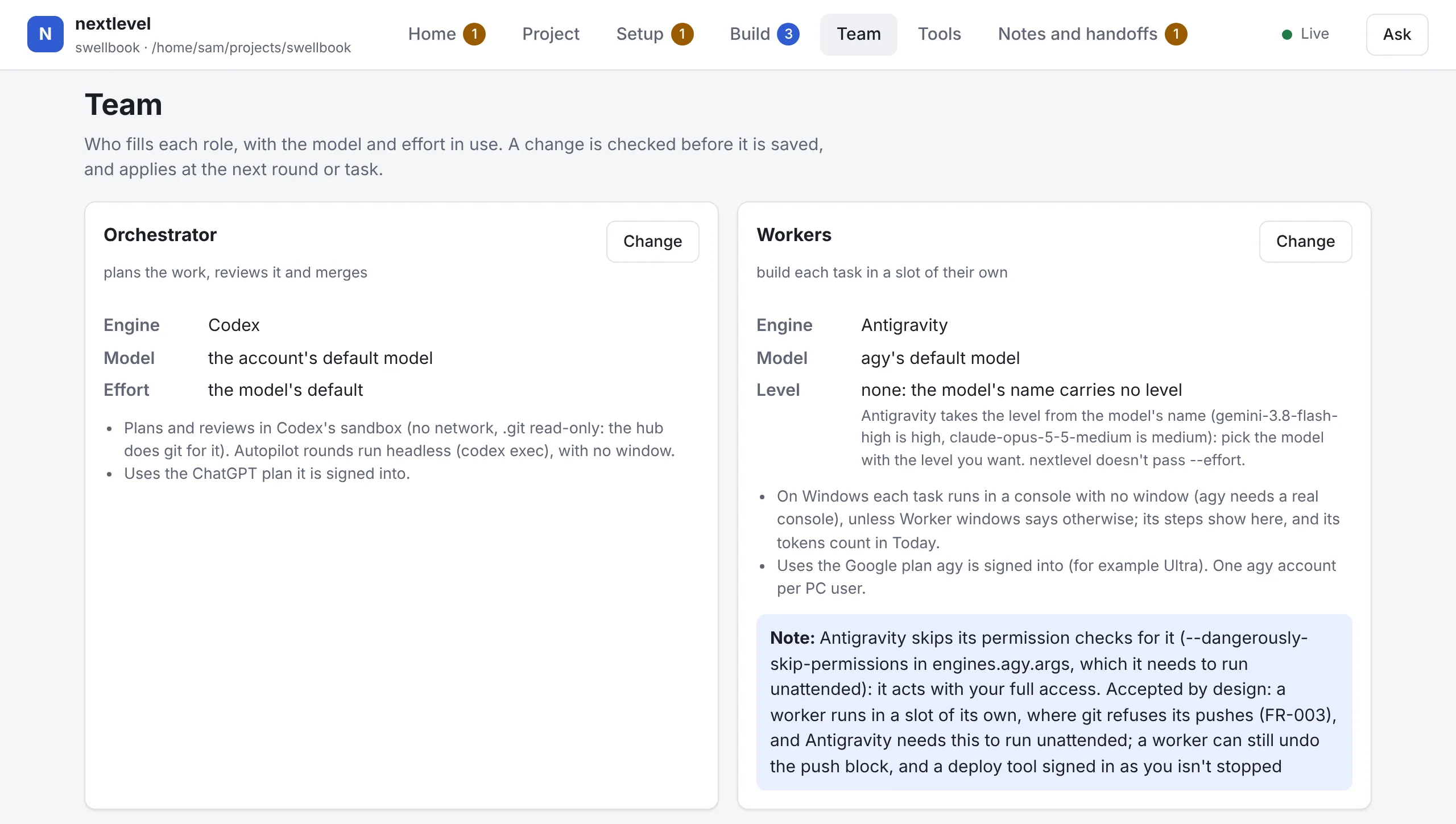
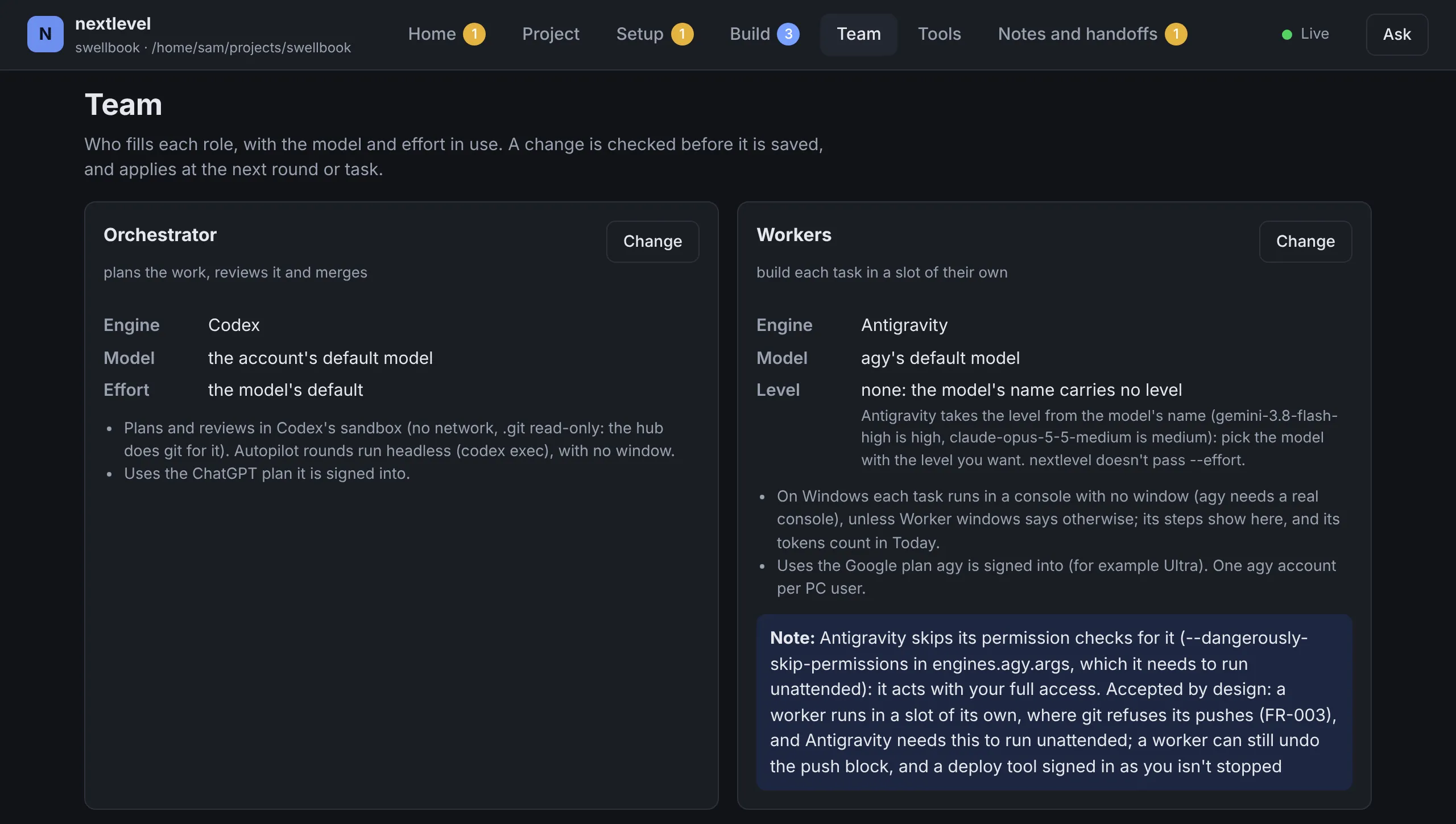
Know this before you start. Every agent runs as your own Windows user, so an engine without its own permission checks can read and write anything you can. The dashboard says which ones do, and the security policy on GitHub lists what an agent can still do.
nextlevel drives the official command-line tools you're already signed in to, within each provider's terms, and checks every part of the setup.


Each one can plan, build or answer your questions. Pick the model and effort for each role on the Team page: a change is checked before it's saved, and the page says plainly when an engine runs without its own permission checks.
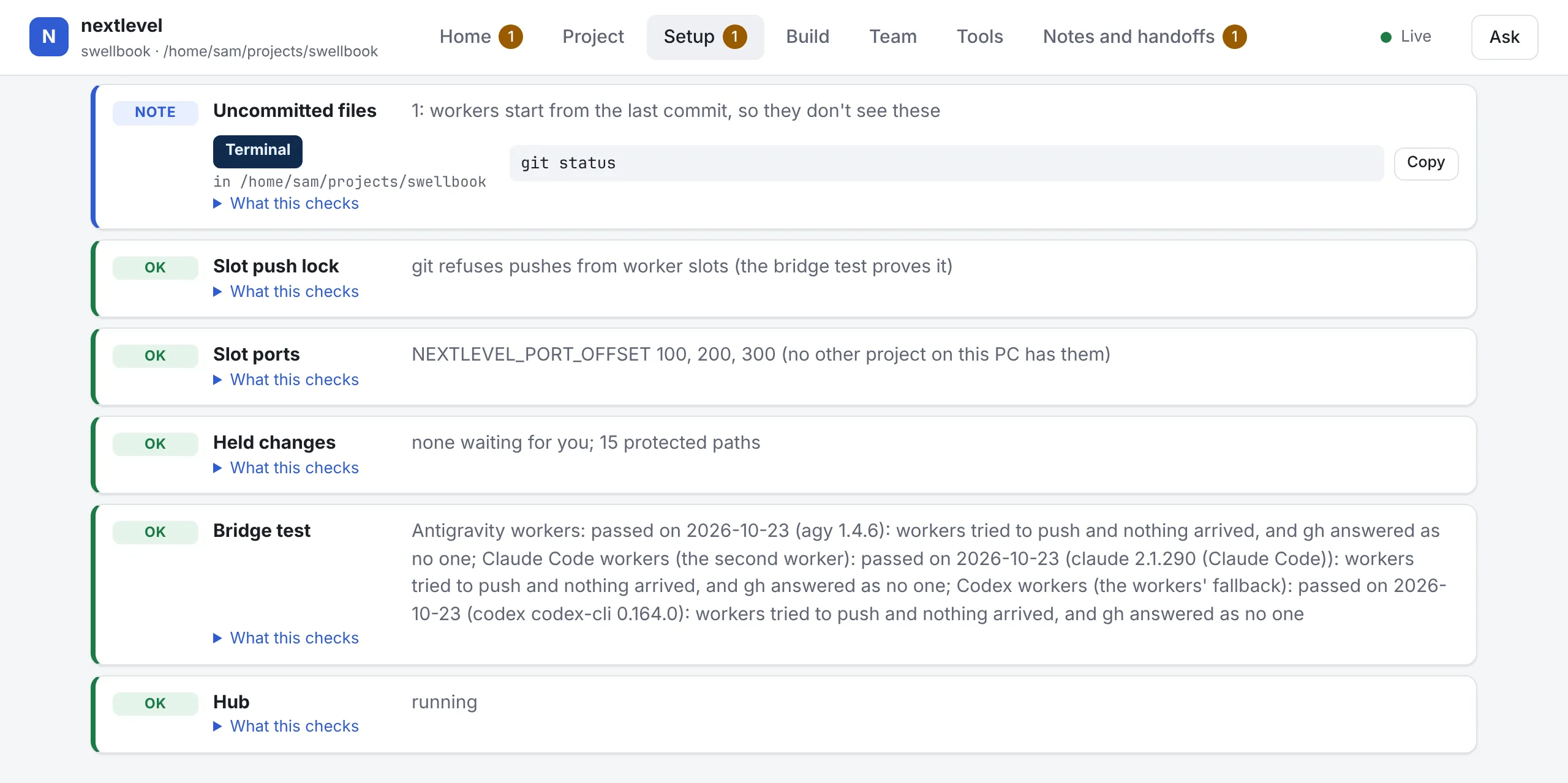
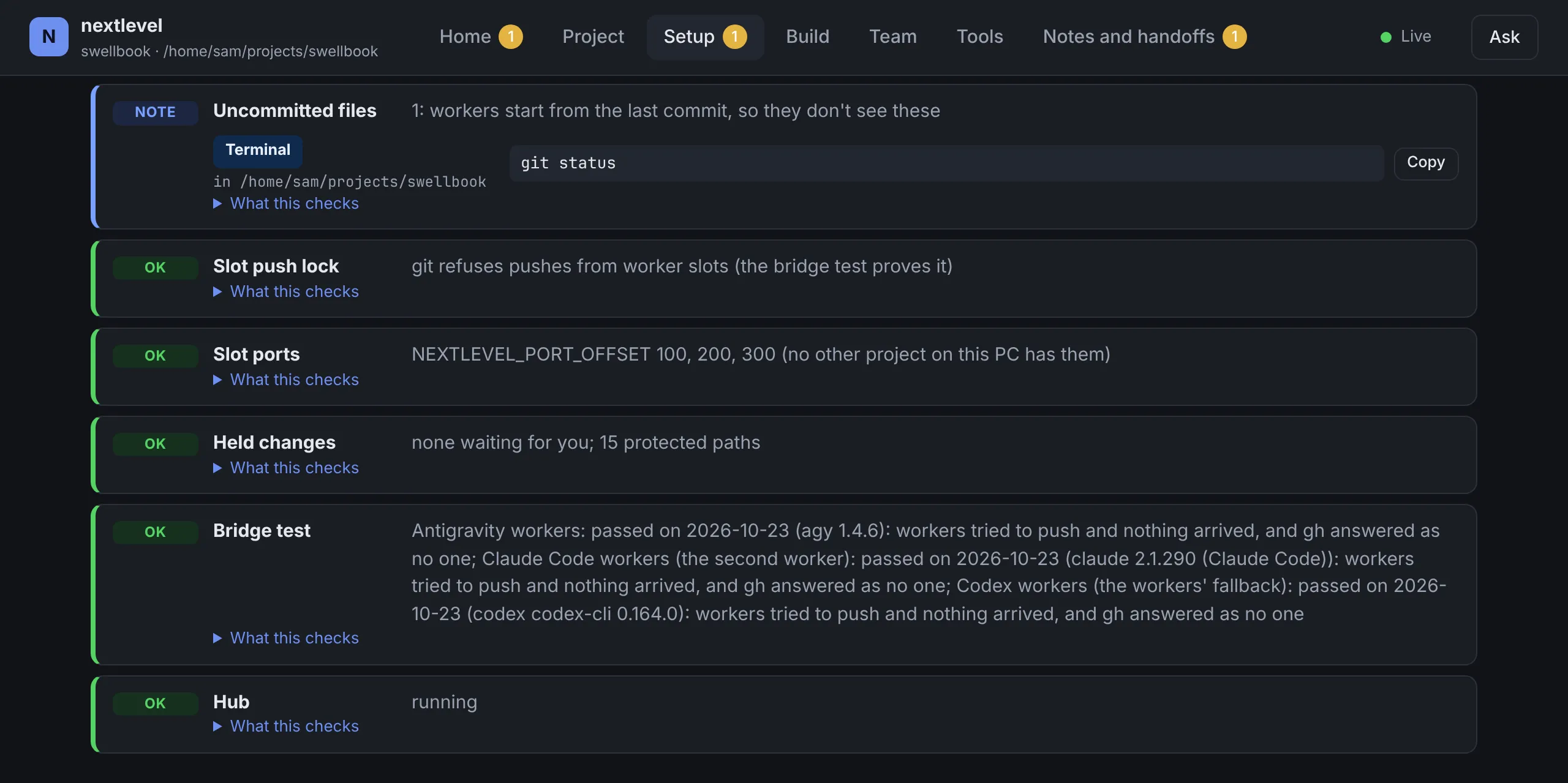
Every setup step is a check, with a fix where one is possible. The bridge test has each worker engine try to push to a real remote, and passes only when nothing arrives. When a step needs you, the Setup page names the window to type in, the folder, and the command, with a Copy button. When someone hits a new problem, it becomes a check, so the next person doesn't.


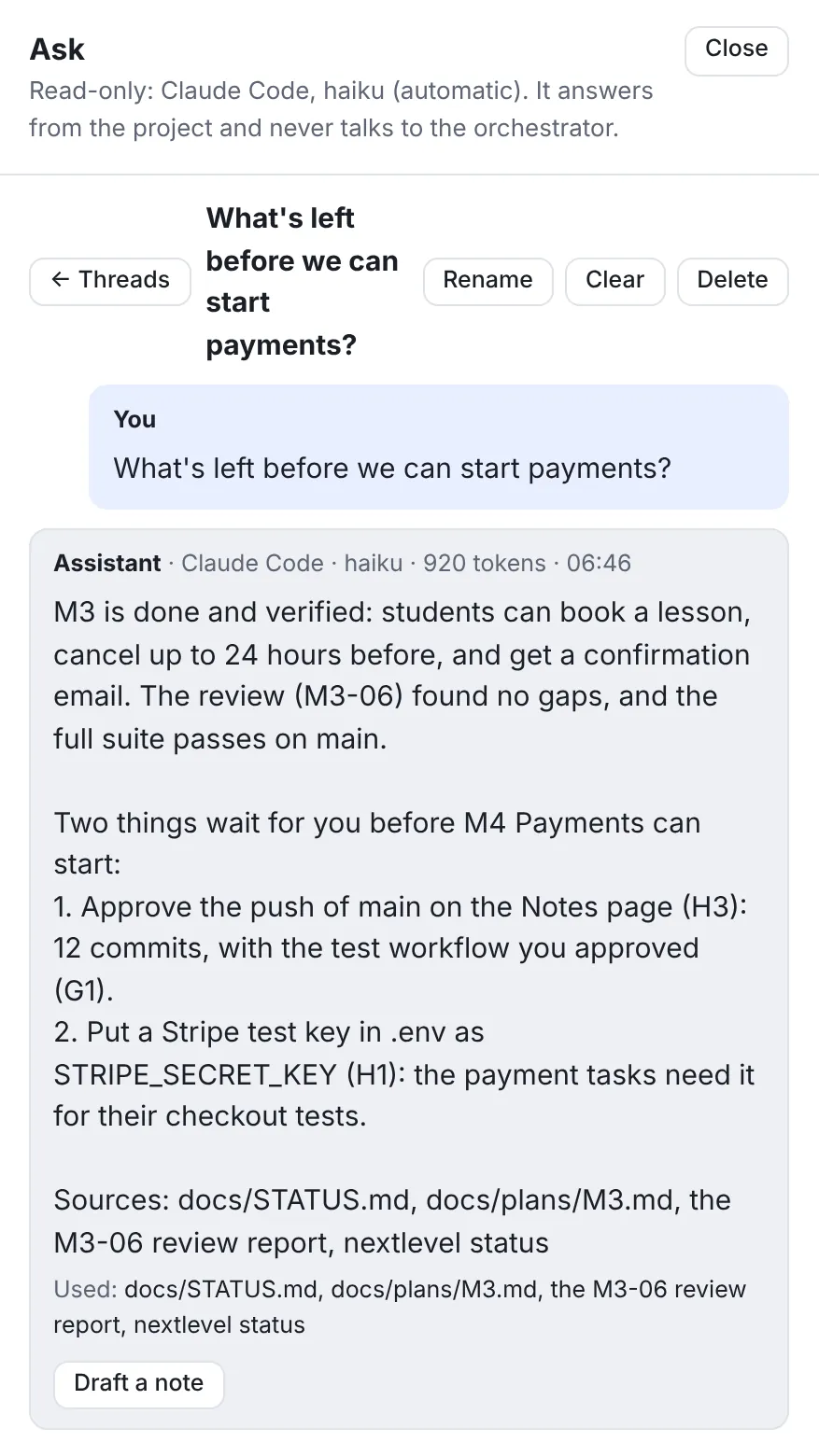
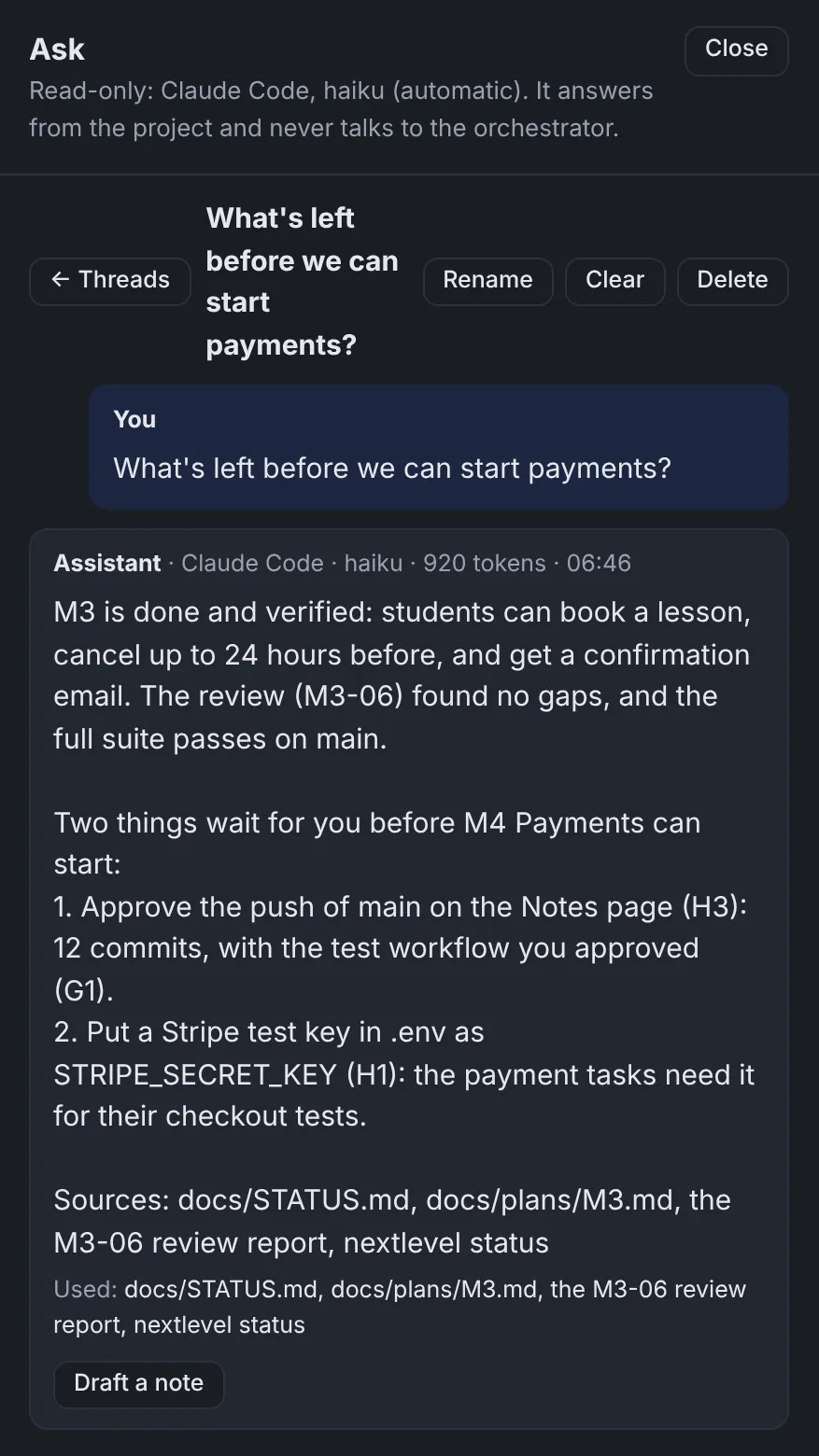
A read-only assistant on every page answers from the project's own files and status, names what it used, and never talks to the orchestrator.
When an answer should become an instruction, it drafts a note for you to edit and send.


Once per PC. You need Node.js 22 or newer and Git (the installer offers to add both), and at least one of Codex, Antigravity or Claude Code signed in.
Install the nextlevel command:
irm https://raw.githubusercontent.com/DYevseyev/nextlevelorc/main/install.ps1 | iexSet the project up. This adds nextlevel.json, the brief, the role guides and START.cmd:
nextlevel initDouble-click START.cmd. The dashboard opens, its Setup page checks everything, and the setup guide walks you through the rest.
Linux and macOS work too. Updates come only as releases, and only when you click Update.

Open an issue on GitHub. nextlevel report writes one for you, redacted, and shows it to you first.
Privately through GitHub's security tab, or by email to security@nextlevelorc.com. Please don't open a public issue.